 The in-game addon
Talents Forever, the WoW Forever talent and leveling addon
It's out. Take your plan with you.
Talents Forever, inside the game now. Same trees from the beta client, same builds, and your plan follows you as you level. Free.
200,000+ downloads 550+ favorites on CurseForge
Interface\AddOns.
How to use it
The screens, in the order you'll run into them. Tap one to see it big.
-
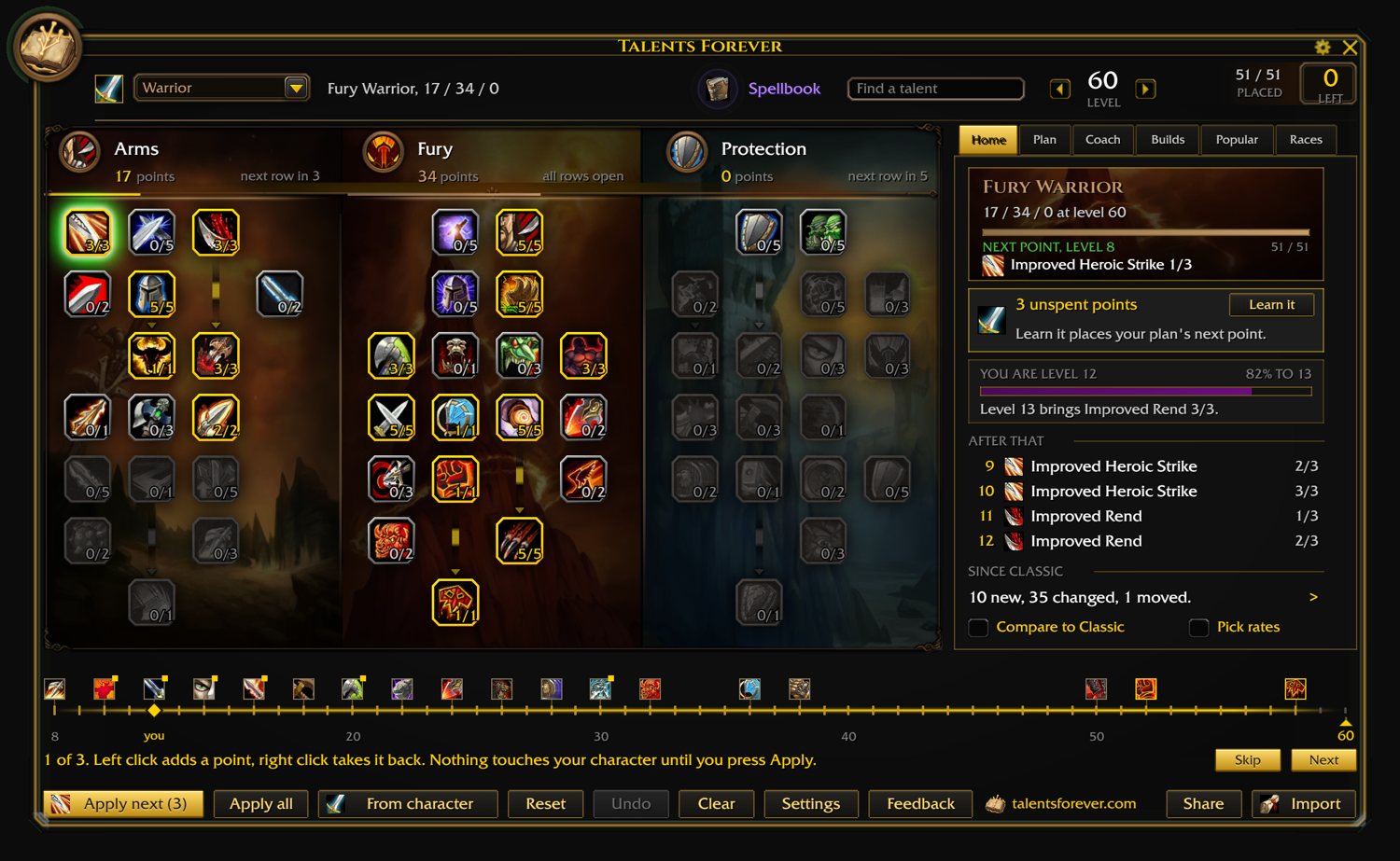
Open it
/tf in chat, the book on the minimap, or the book tab on your character pane. Whichever you like, and the other two can be switched off.
Home is where you're at: your level, the next point, what the trainer has coming.
-
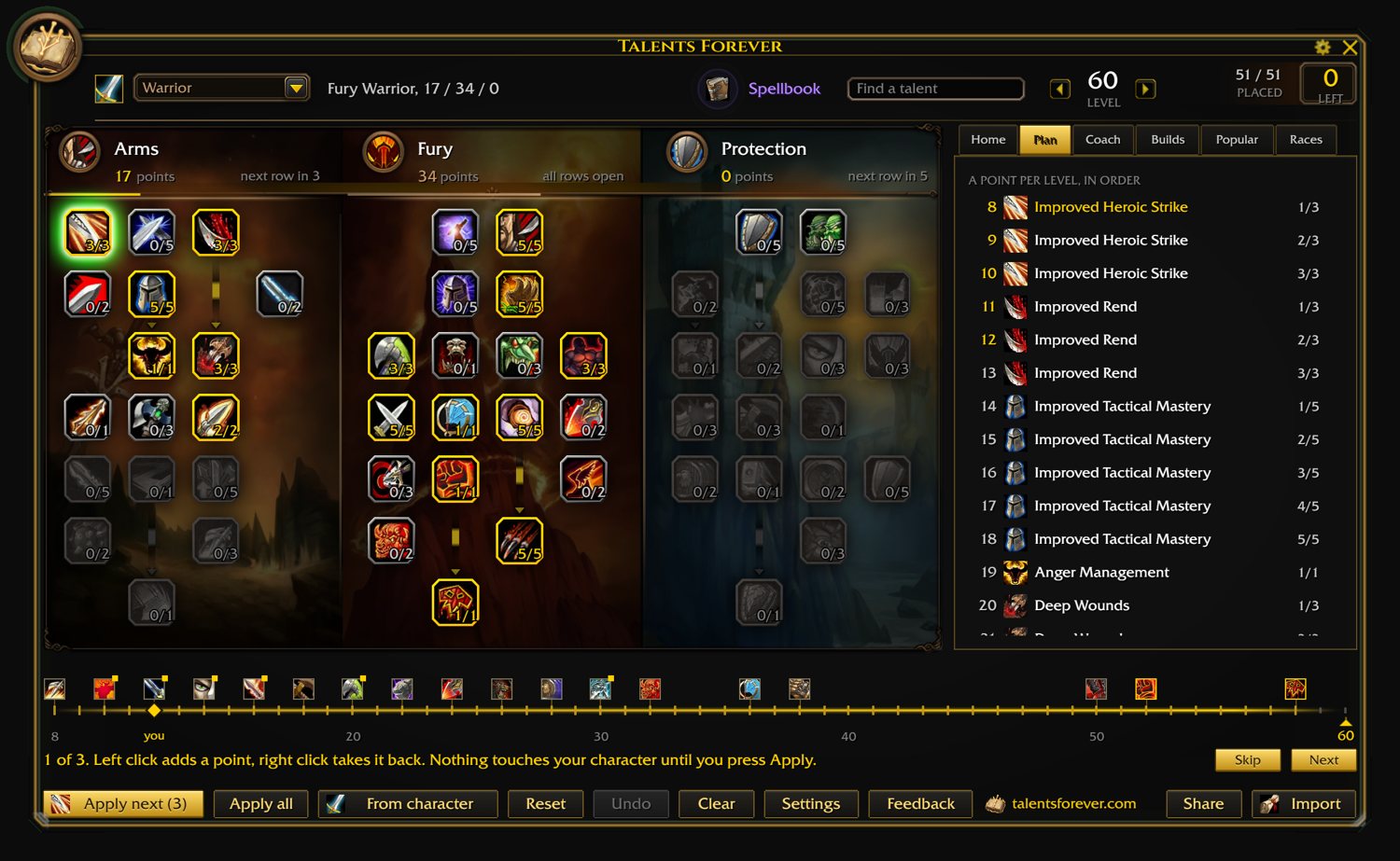
Plan it
Click a talent to add a point, right click to take it back. The Plan page lists them by level. Nothing goes on your character until you press Apply, or you flip on hands-free and let it place them as you level.
Undo is right there if you overdo it.
-
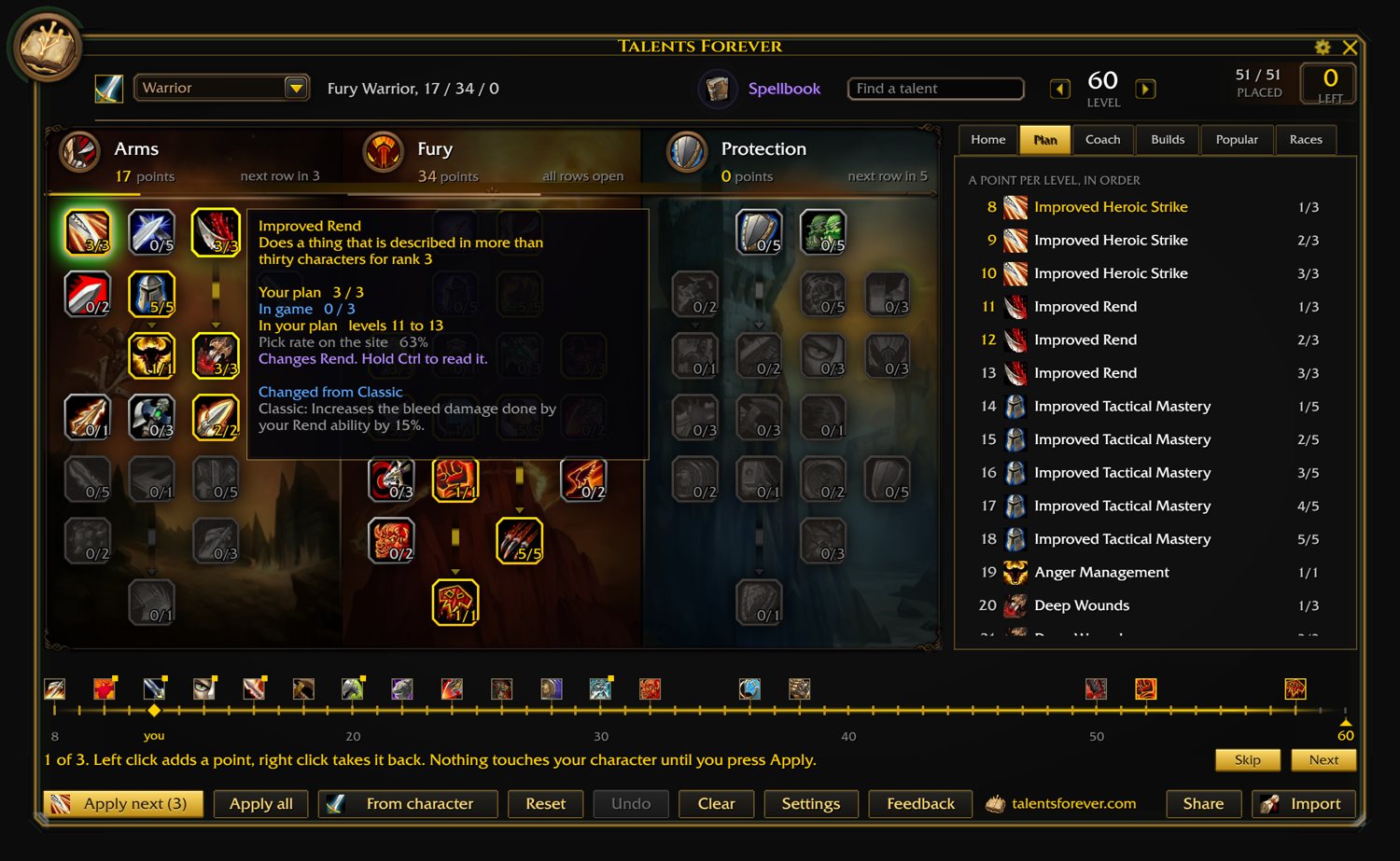
Read a talent
Hover for the tooltip. Hold Ctrl and it shows the spell that talent actually changes, which is the part you usually alt-tab for.
The search box up top finds talents by name, or by the spell they touch.
-
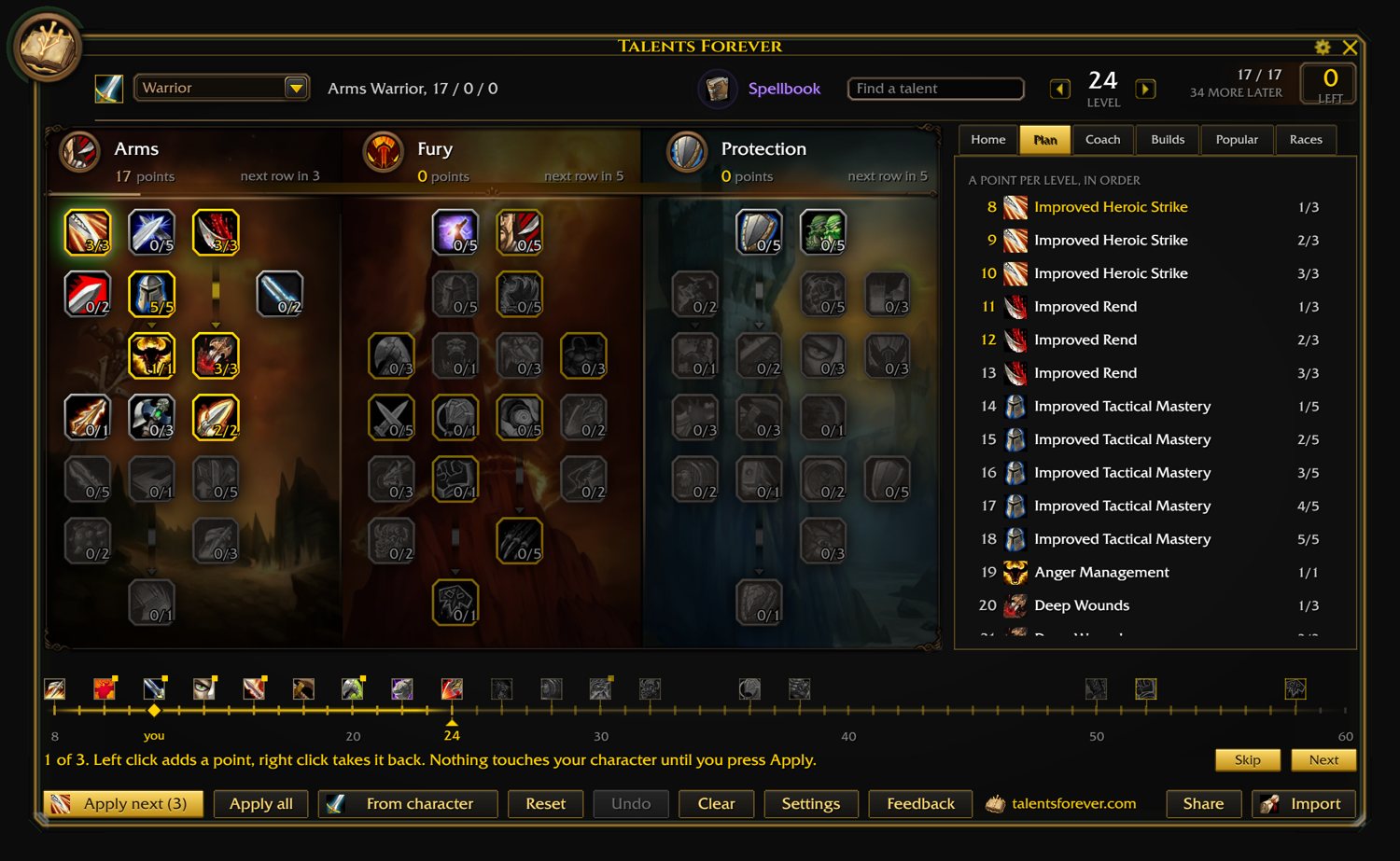
Look at any level
The bar under the trees is the levels. Click one and the trees show your build the way it'll look there. The gold diamond is you.
Clear puts everything back.
-
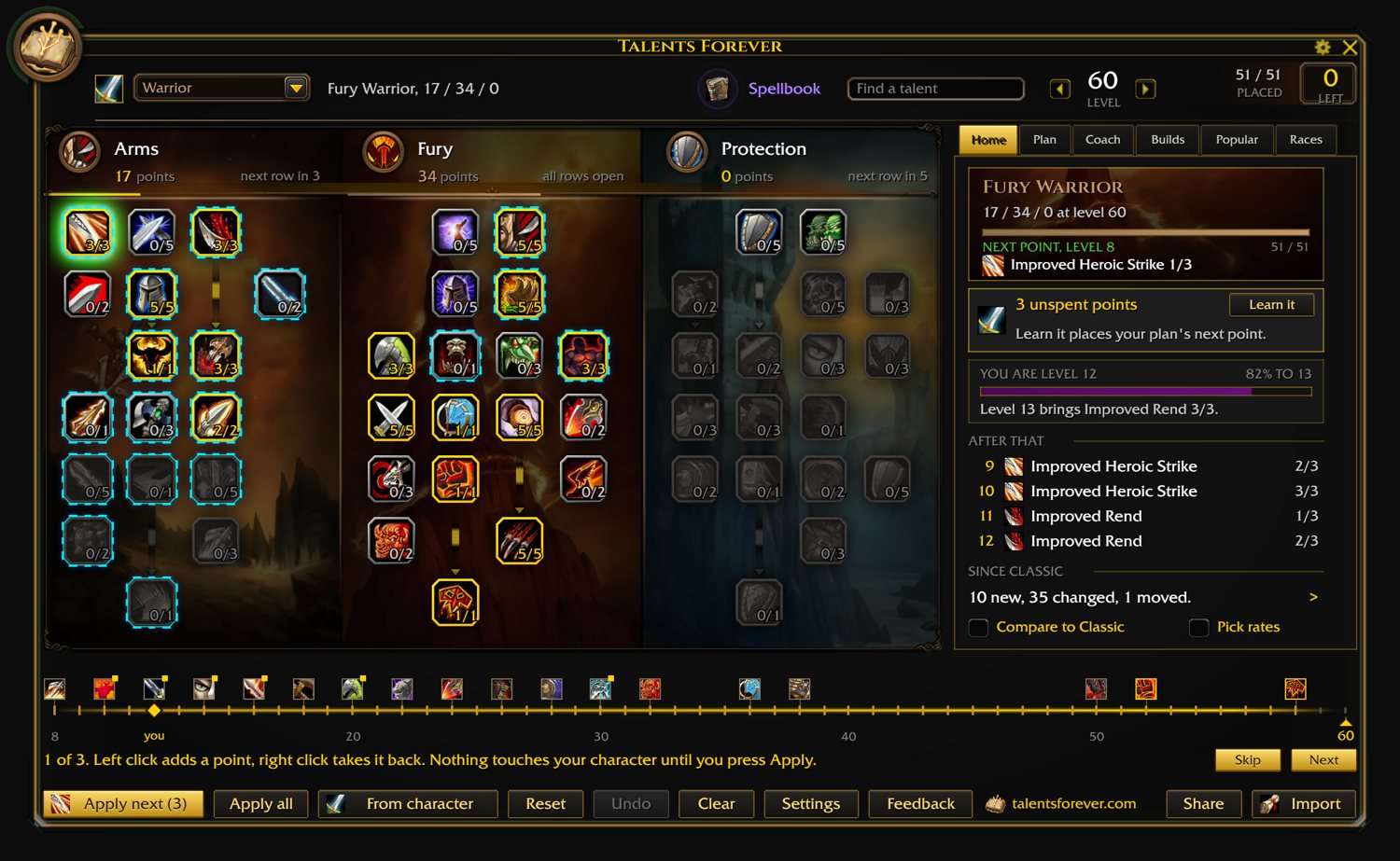
Try a popular build
Popular is what people are actually building on the site, kept current. Try it rings its talents on your trees, right over yours, so you can see where it differs. Load makes it your plan.
-
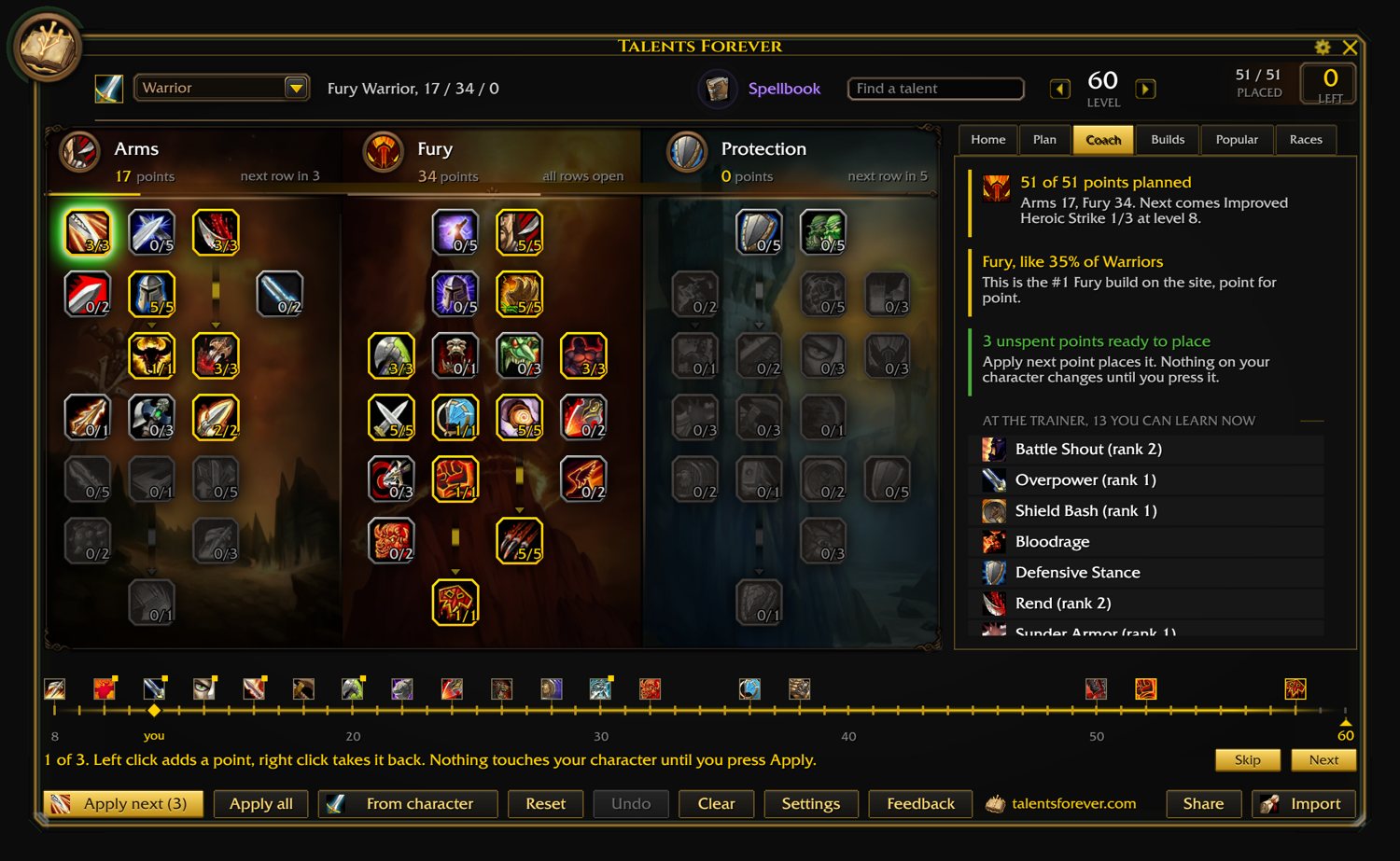
Coach
Three quick reads on your plan. Where it stands, what other people do differently, and one thing worth a look. Then the trainer's list for your level.
-
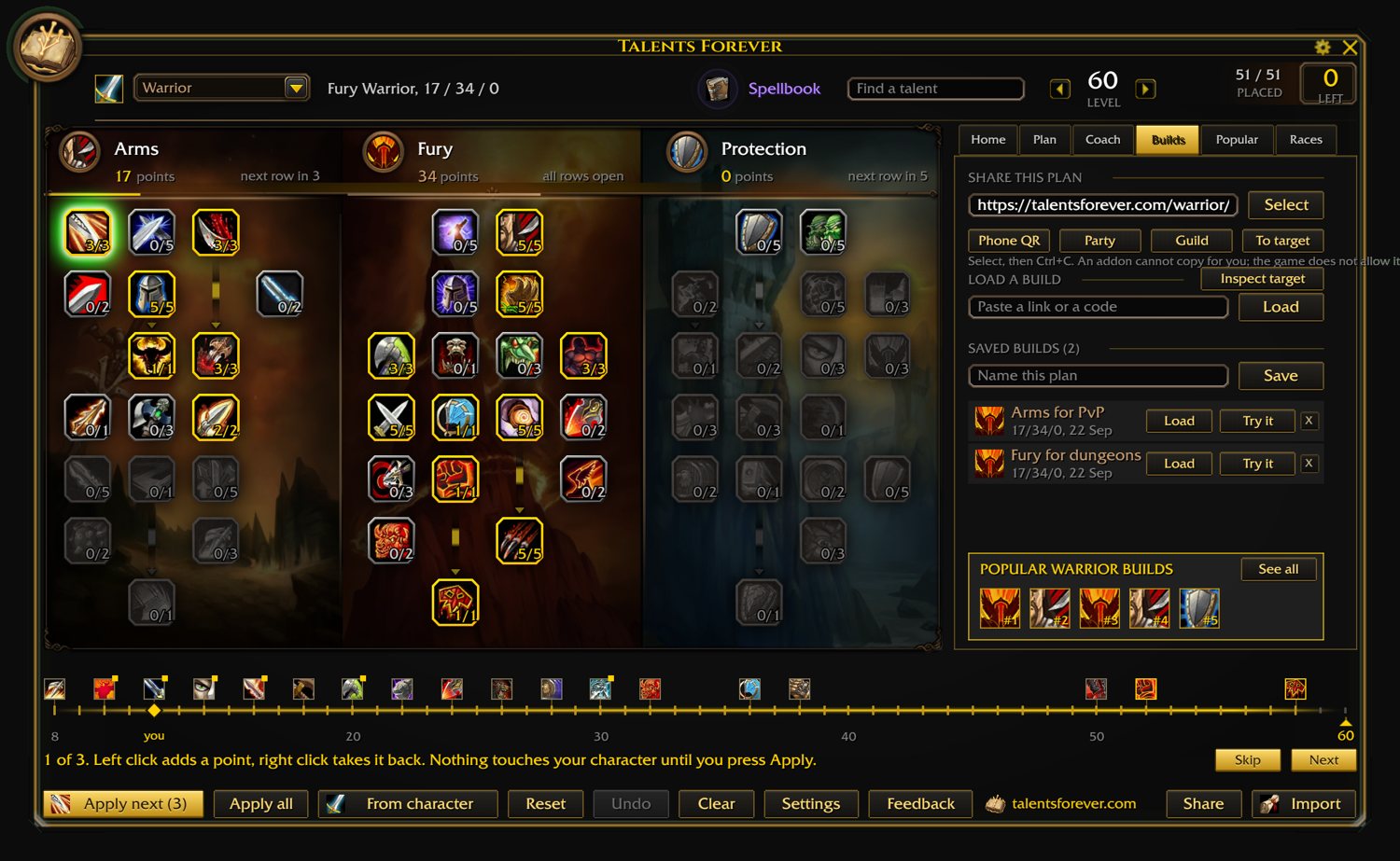
Share it, or bring one in
Same link the site makes. Press Select, then Ctrl+C (the game doesn't let an addon copy for you), or paste one in and hit Load. Party and Guild send it to people, and anyone with the addon gets it as a card.
Save as many as you like by name. They are there on every character you play.
-
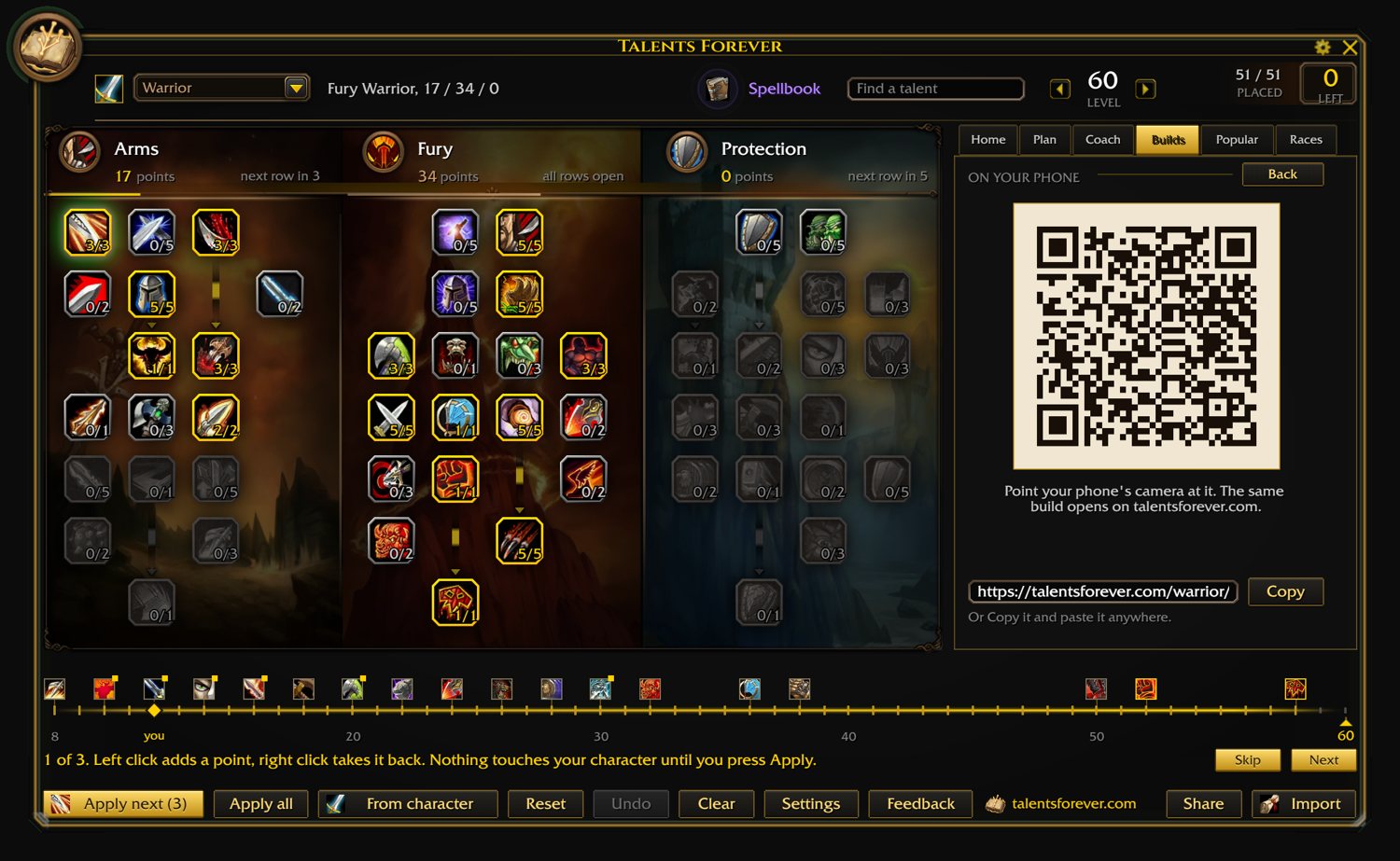
Or your phone
Phone QR turns the build into a code. Point your phone at the screen and it opens on the site.
-
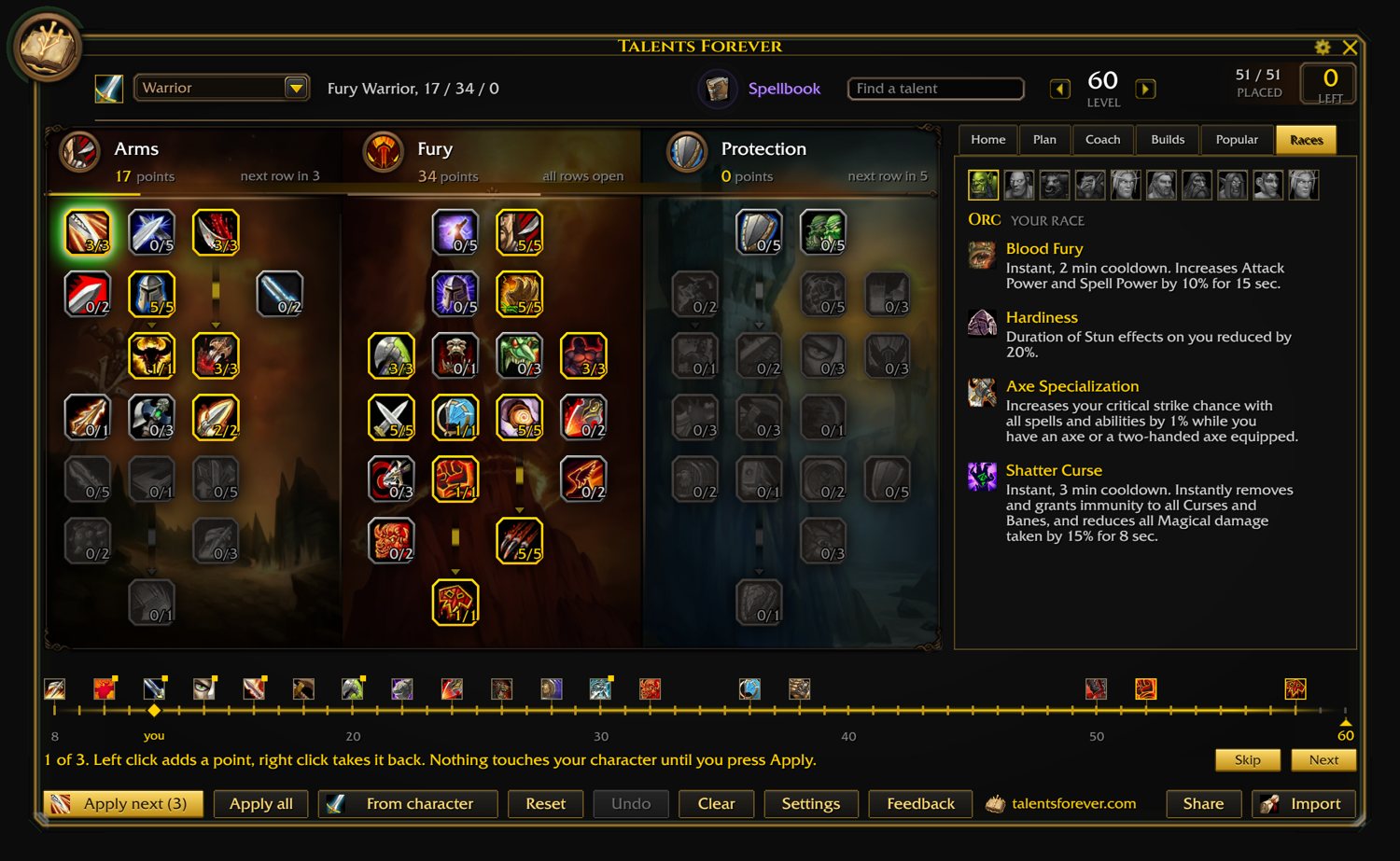
Races
Every race your class can be. Tap one for its racials, before you roll it.
-
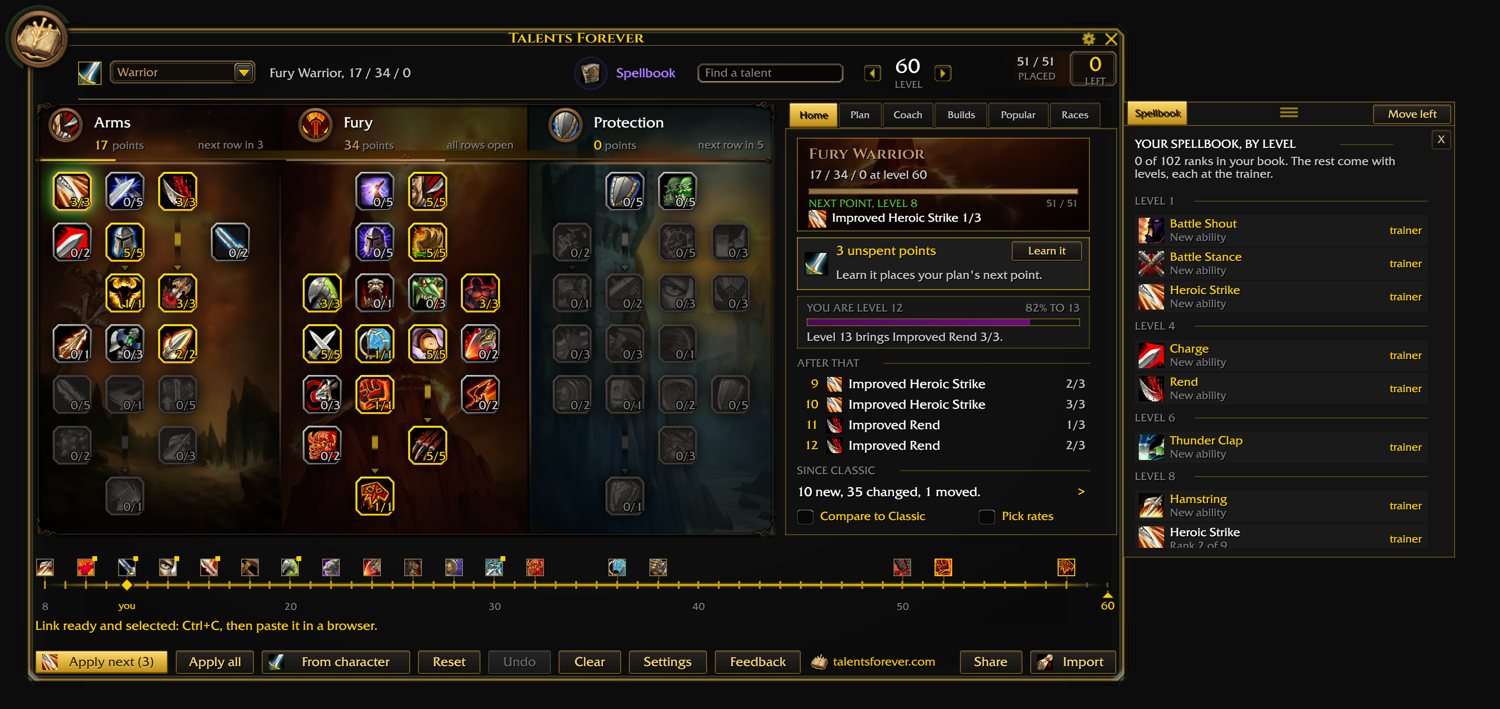
Spellbook
Every ability to 60 at the level you learn it, with what you already know in green. The game only shows what you have and the trainer only what you can buy today.
Playing a Warlock or a Hunter? A second tab lists what your demons or your pet can learn, with the level of every rank.
Move it to either side, or drag it wherever you want it.
-
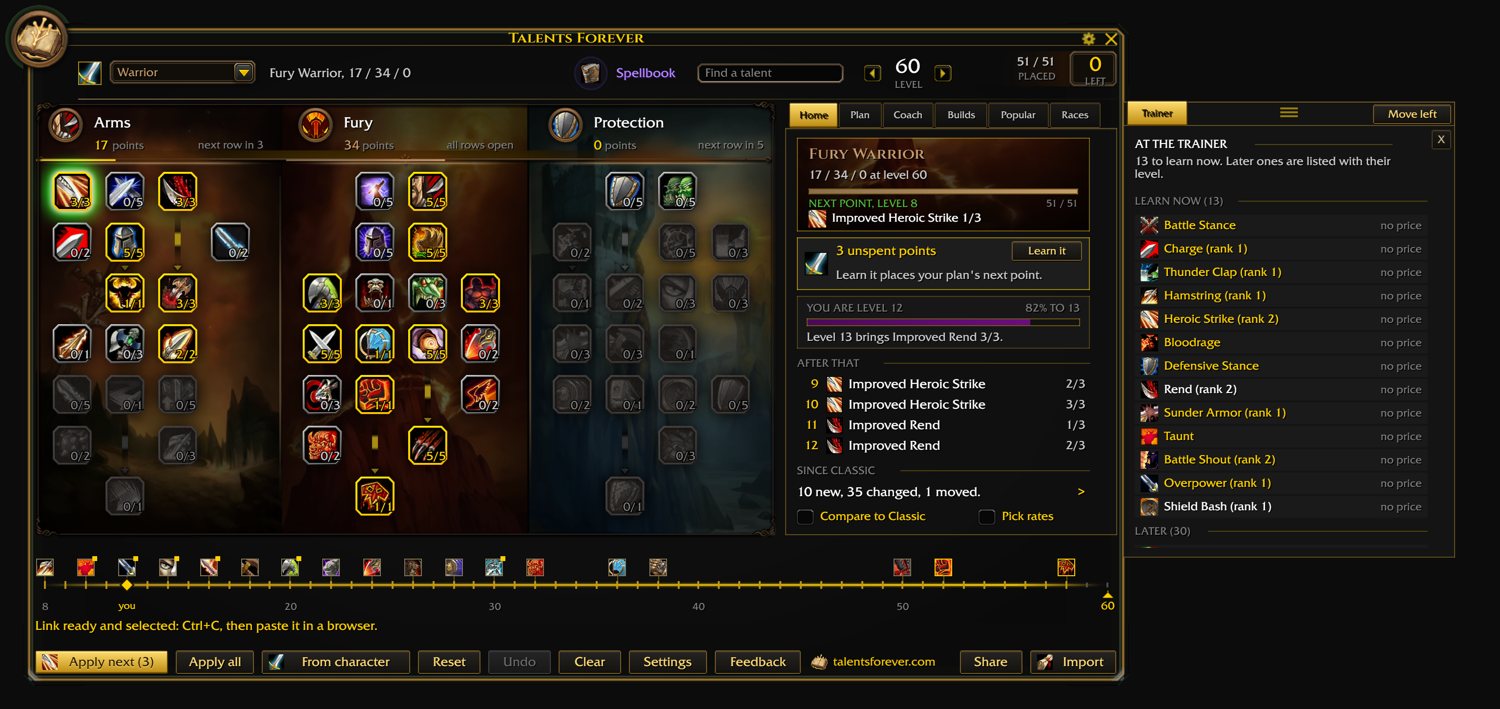
The trainer
What the trainer has for you right now, and what's coming later. Prices fill in once you've visited your trainer with the addon on. You also get a small card when you level.
-
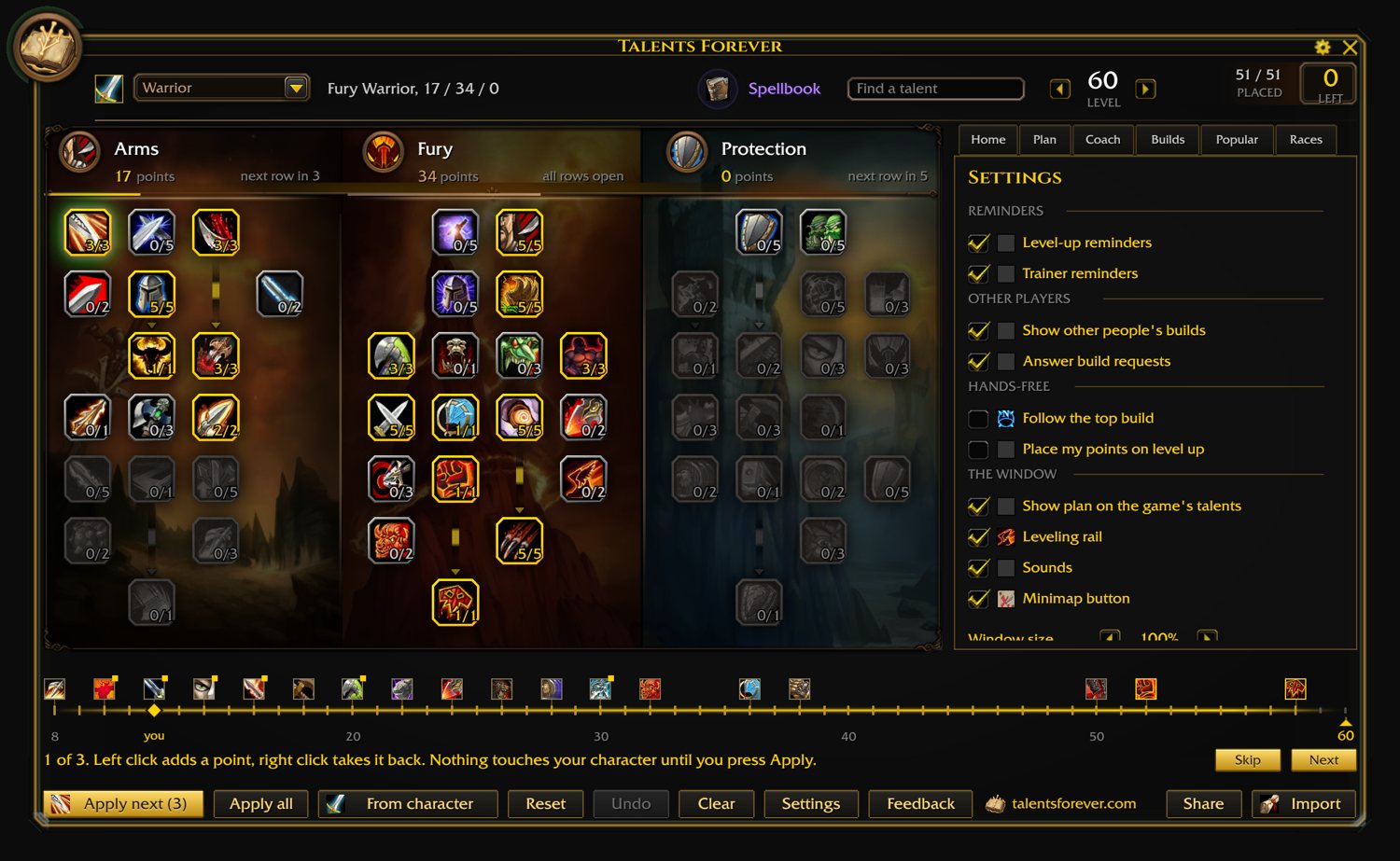
Settings
Reminders, window size, hands-free, sounds, which pages you want. Not much to it.
-
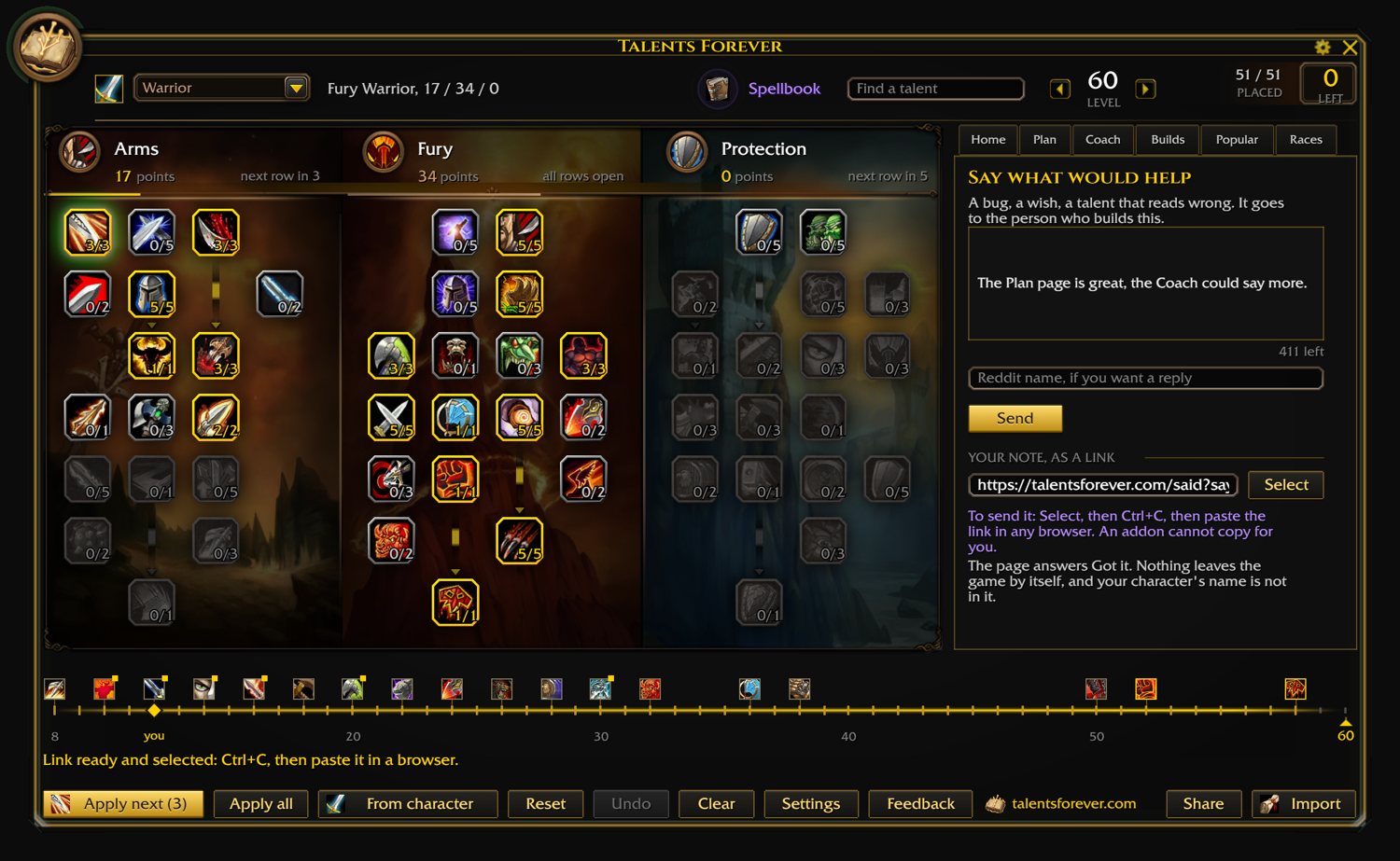
Say something
Type a note, press Send, paste the link it gives you into a browser. That's it, it's in the inbox.
Installing it by hand
- Close the game.
- Download the zip above and unzip it. You get a folder named
TalentsForeverBook. Keep that name: a different addon uses a folder called TalentsForever, and that is not this one. - Put the folder in
World of Warcraft\_classic_beta_\Interface\AddOns. If there is no AddOns folder yet, make one. When it is right, this file exists:...\AddOns\TalentsForeverBook\TalentsForeverBook.toc - Start the game. A full restart, not /reload. On the character screen, click AddOns at the bottom left and make sure Talents Forever is ticked.
- In the game, type
/tf.
The CurseForge app does steps 2 and 3 for you.
What we heard
Eight questions and an open box, for five days. What you voted for, what you asked for, and what came of each.
- 130people answered,
give or take - 995votes on
eight questions - 43notes
in the box
What you voted for
What the notes asked for
Of the 43 notes, 17 just said thanks, 3 flagged things to fix in the data (on the list), and a few were keyboard mashing. The rest are up there.
Thank you
To everyone who voted, and everyone who wrote in. A lot of what's in the addon started as one of your notes.
The ones who left a name:
It's still the beta
Use it for a bit, then say what's off, or what you wish it did. Here, or from the Feedback button inside the addon. Every note gets read, and that's how it gets right before launch.
No account, no email. Nothing is kept about who you are. What this page keeps.